
Chipotle Nutrition Calculator
If you want to check how many calories are in your Chipotle order, the Nutrition Calculator helps you see the full breakdown of your meal. As you build your order bowl, burrito, salad, or tacos it shows calories, protein, carbs, fat, sodium, and fiber for each ingredient. This lets you compare choices like white rice versus brown rice or salad instead of a tortilla.
You can also make changes, such as replacing cheese or sour cream with vegetables or guacamole, to adjust calories and fiber. The values are based on standard portions and may not be exact, but they give a good estimate of your meal’s nutrition. This helps you adjust your order and stay on track with your food goals.

Why Use a nutrition Calculator ?
Chipotle menu is flexible. You can build burritos, bowls, salads, or tacos, and each combination changes the calorie count. You can explore the full Chipotle menu to see what items you might want to include before using the calculator. The calculator helps you understand how each item like chicken, guacamole, or sour cream impacts your meal’s nutrition.
How the Chipotle Calorie Calculator Works
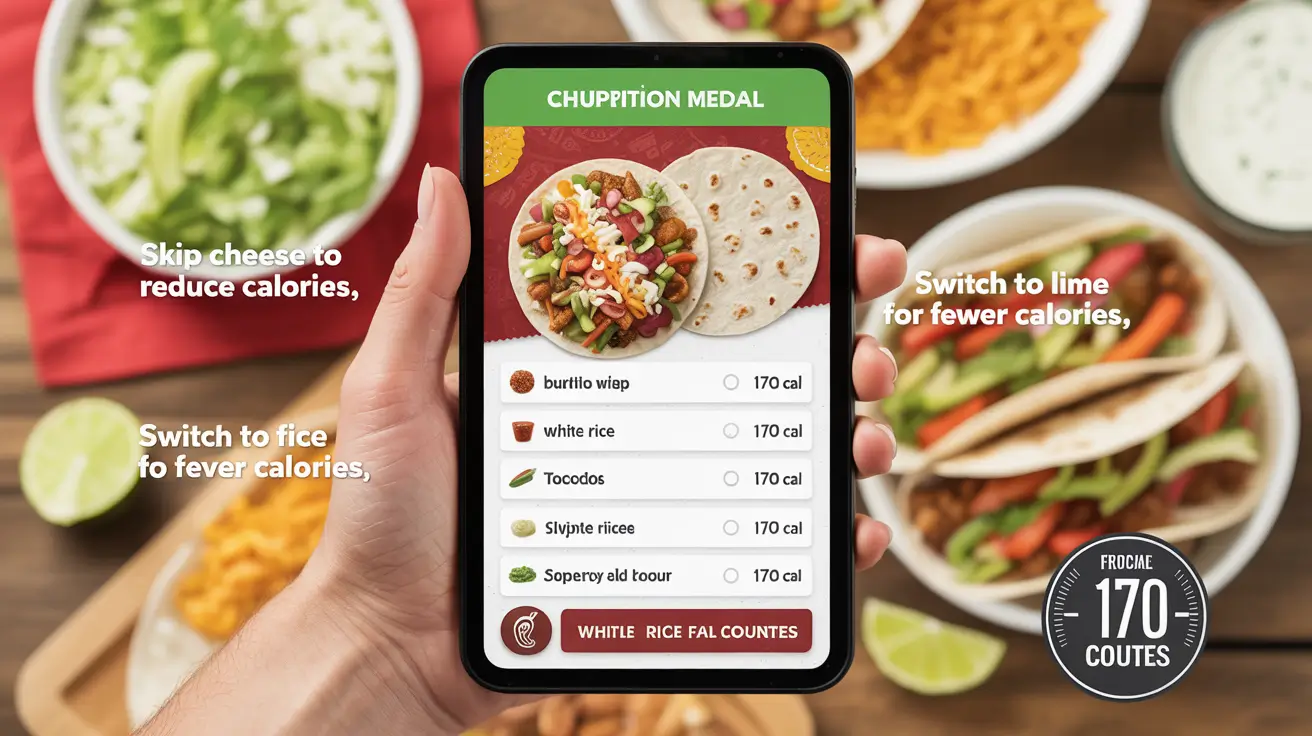
You start by picking a base. That could be a burrito wrap, a bowl, or tacos. Next, you select toppings like rice, beans, meats, veggies, and extras. The calculator totals everything so you know exactly how much you’re eating.
For example:
- Adding white rice adds around 170 calories.
- Black beans add about 120 calories.
- Choosing steak gives you another 150 calories.
Just swap or remove items to see the difference in real time.
Note: Want to lower your calories? Skip cheese or switch to lime rice.
How to Use the Chipotle Nutrition Calculator
To calculate the total calories of your Chipotle meal, follow these steps:
- Under “Select Base,” choose your meal base burrito, bowl, salad, or tacos.
- Under “Select Protein,” pick your protein, such as chicken, steak, barbacoa, or sofritas.
- Go to “Add Extras” to include toppings like cheese, guacamole, sour cream, beans, salsa, or veggies.
- Once you’ve made all your selections, click the “Calculate Nutrition” button.
- The calculator will display the Total Calories and other nutrition details at the bottom of the tool.
This lets you make quick adjustments and build a meal that fits your nutrition goals.
Popular Combos and Their Nutrition
Here are a few meal ideas and how they add up:
- Chicken bowl with brown rice, black beans, tomato salsa, and lettuce: About 600 calories
- Steak burrito with white rice, sour cream, cheese, and guacamole: Around 1,000 calories
- Vegetarian bowl with sofritas, fajita veggies, corn salsa, and supergreens: About 500 calories
These numbers are estimates, but they give a clear picture of what to expect.
Tips to Keep Your Meal Balanced
If you’re watching your calorie intake:
- Ask for light portions of higher calorie items like cheese and dressing.
- Load up on low calorie options like fajita veggies and salsa.
- Try skipping the tortilla or chips to save hundreds of calories.
Is It Accurate?
The calculator is based on nutrition data from Chipotle. While portion sizes may vary a little, it’s a helpful guide for anyone tracking food intake, whether you’re aiming to lose weight, gain muscle, or maintain a healthy balance.
The Value of the Chipotle Calorie Counter
The Chipotle calorie counter makes it easy to see how each ingredient affects your meal. It’s helpful if you’re following a diet like keto, vegan, or Whole30, or just trying to eat smarter.
It’s not just about counting calories. It helps you understand how small changes like removing cheese or adding more veggies can improve your meal. It’s a simple tool for anyone who wants to make better food choices.
Final Thoughts
With the Chipotle nutrition calculator, building a meal that fits your diet is simple. If you’re following a low carb plan, aiming for more protein, or trying to stay within a certain calorie range, knowing what’s in your order helps you make better choices. You can spot higher calorie ingredients and choose lighter alternatives without sacrificing taste. Seeing the nutrition breakdown before ordering helps prevent surprises and keeps your plan on track. It also makes it easy to repeat meals you know work well or make small tweaks next time for variety.